👥
Viewer Quantity
Choose the concurrent viewer level supported by the current package.

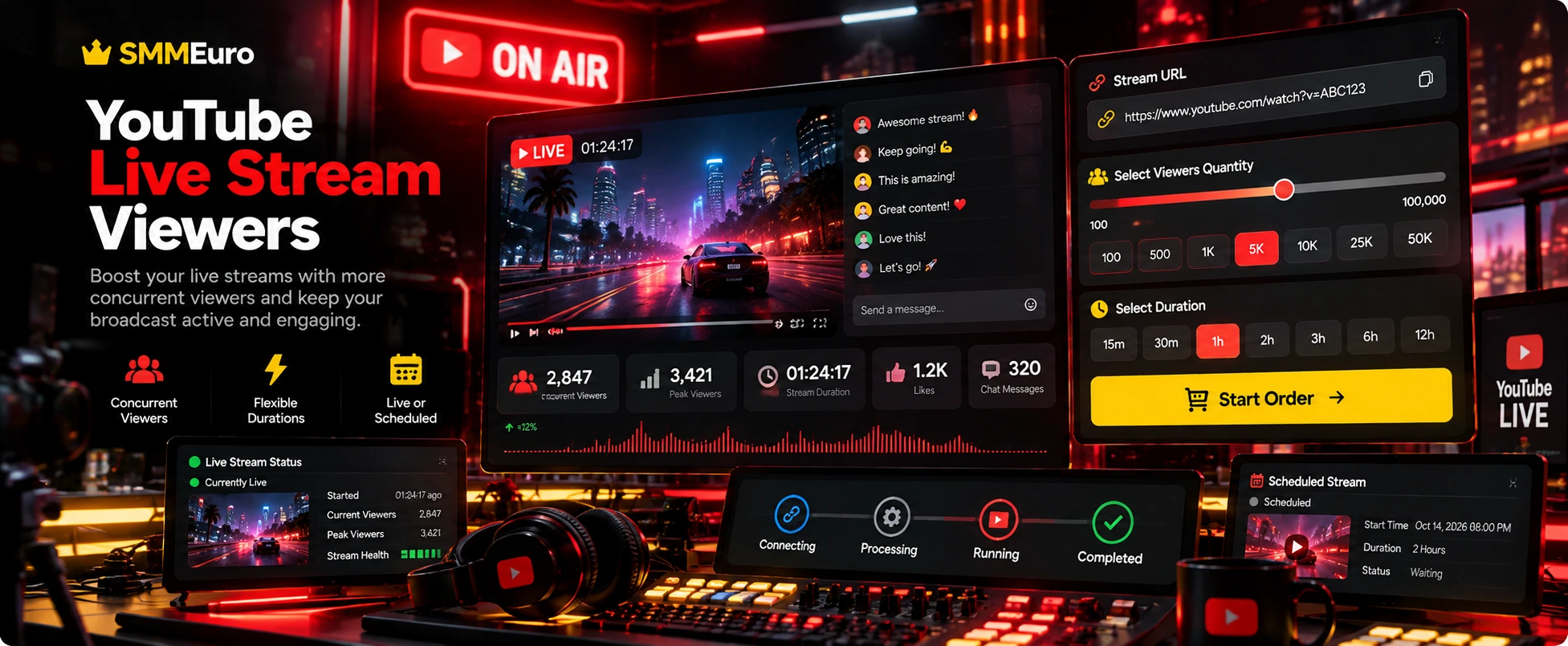
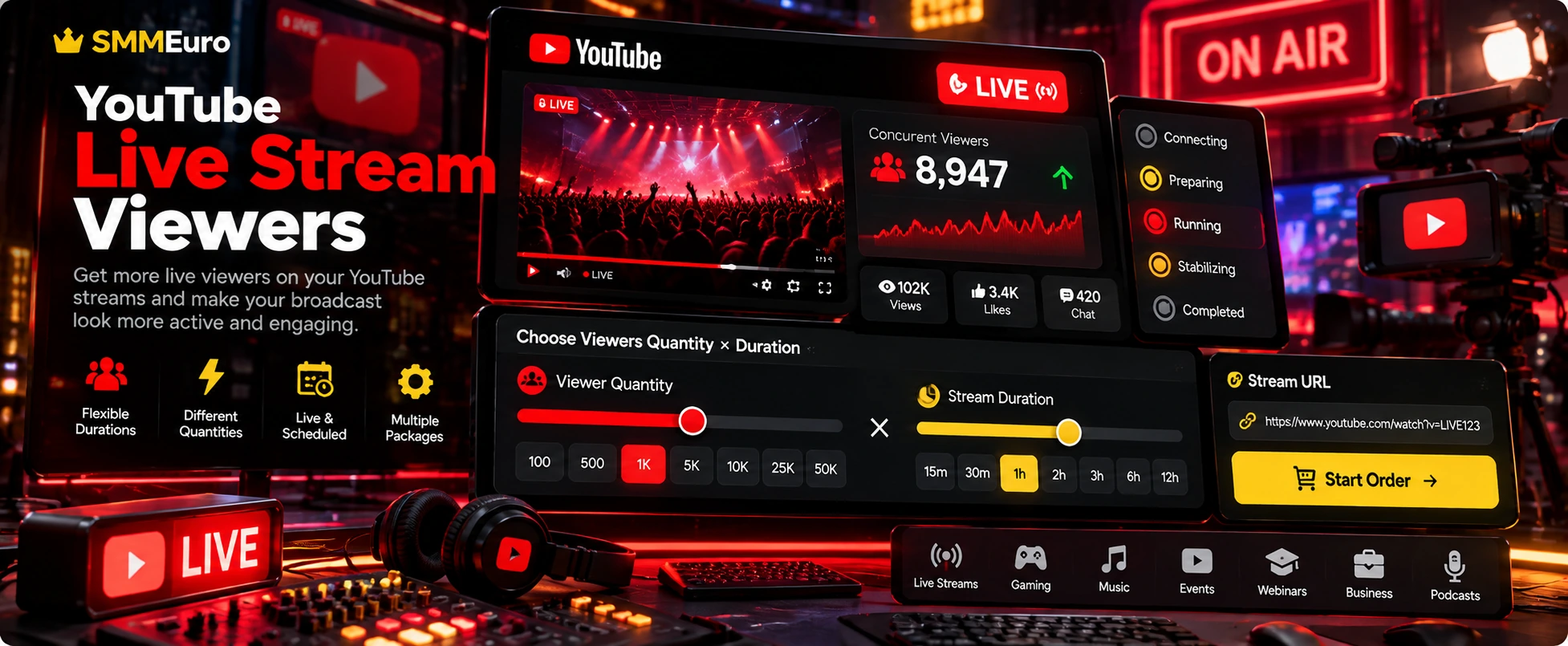
Compare YouTube live-stream viewer services by concurrent viewer quantity, duration, stream status, accepted URL format and delivery conditions before ordering. Live campaigns are time-sensitive, so the right service depends on whether the stream is scheduled, already live or about to start.
Quantity controls the concurrent viewer target. Duration controls how long the service is intended to remain active. These are separate decisions, and both should be checked against the current package limits before ordering.
Choose the concurrent viewer level supported by the current package.
Choose the supported duration that matches the planned broadcast window.
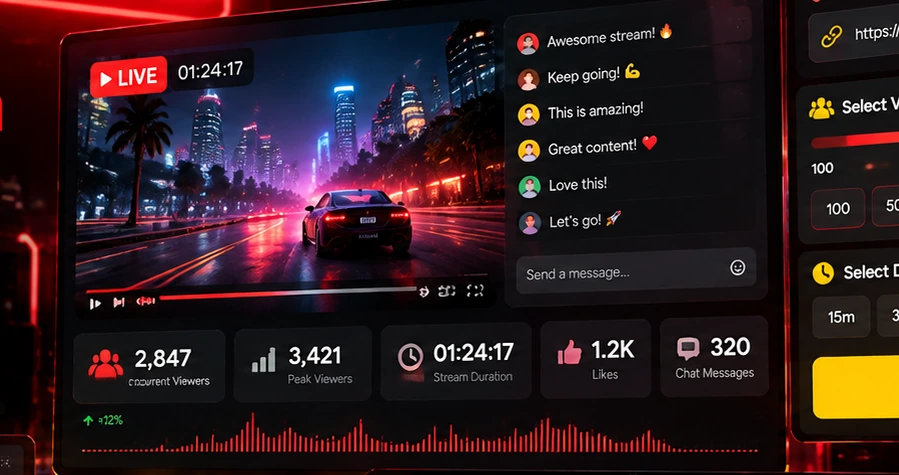
Do not choose viewer count without checking duration. A short event, a long webinar and a multi-hour gaming stream can need very different packages. Review the current minimum, maximum, supported duration steps and any start-time notes.
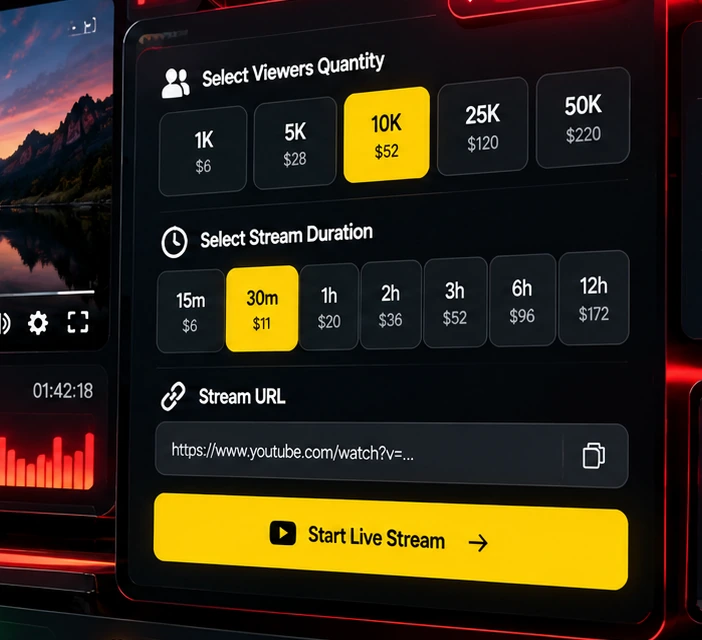
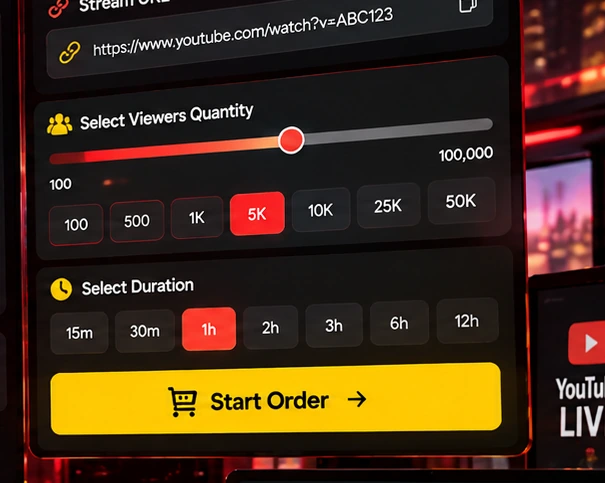
Live viewer services normally target the active or scheduled broadcast itself. Use the URL format shown in the service description. Avoid a channel homepage, ordinary uploaded video URL or unrelated link when the package expects a live-stream target.
Some packages can be ordered before the broadcast begins, while others may require the stream to be live first. Check whether the service supports scheduled streams, whether it needs a waiting-room/live URL, and how close to start time the order should be placed.
Use only when the package explicitly supports pre-live or scheduled broadcasts.
For services that require the broadcast to be active before delivery can begin.
Concurrent viewers represent people watching at the same time during the broadcast. Peak concurrent viewers and stream duration are different measurements from total views after the stream ends. Choose a live-viewer service when your goal is the active broadcast rather than post-stream video views.
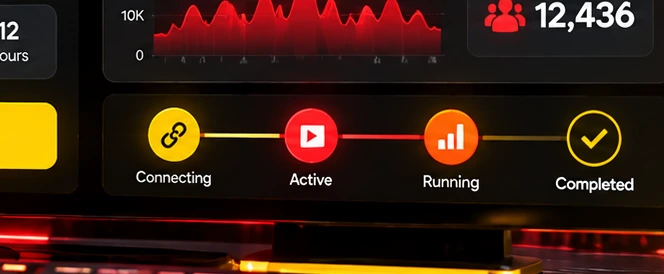
Live campaigns are sensitive to timing. A connecting, preparing, running or completed state should be reviewed before placing another order on the same stream. Repeating an order too early can create overlapping campaigns or make troubleshooting harder.
Match viewer quantity and duration to the planned session length.
Use a package that fits the event start time and expected broadcast window.
Plan the service around the scheduled presentation duration and stream status.
Use the correct live URL and timing for launches, announcements or branded live events.
YouTube prohibits artificial engagement manipulation. Third-party live viewer services should never be presented as a guarantee of recommendations, ranking, monetization, YPP eligibility, verified watch time or policy safety.
Use the exact active or scheduled live-stream URL required by the current service. Do not assume a channel URL is accepted.
Only when the current package explicitly supports scheduled or pre-live streams.
It refers to viewers present at the same time during the live broadcast, not total post-stream video views.
Choose a supported duration that matches the expected live window and the current package options.
Only if the service rules allow it. Avoid overlapping orders when the package does not support them.
No. Live viewer services focus on the active broadcast, while normal views target published video content.
No. They do not guarantee ranking, recommendations, monetization, watch-time eligibility or policy safety.
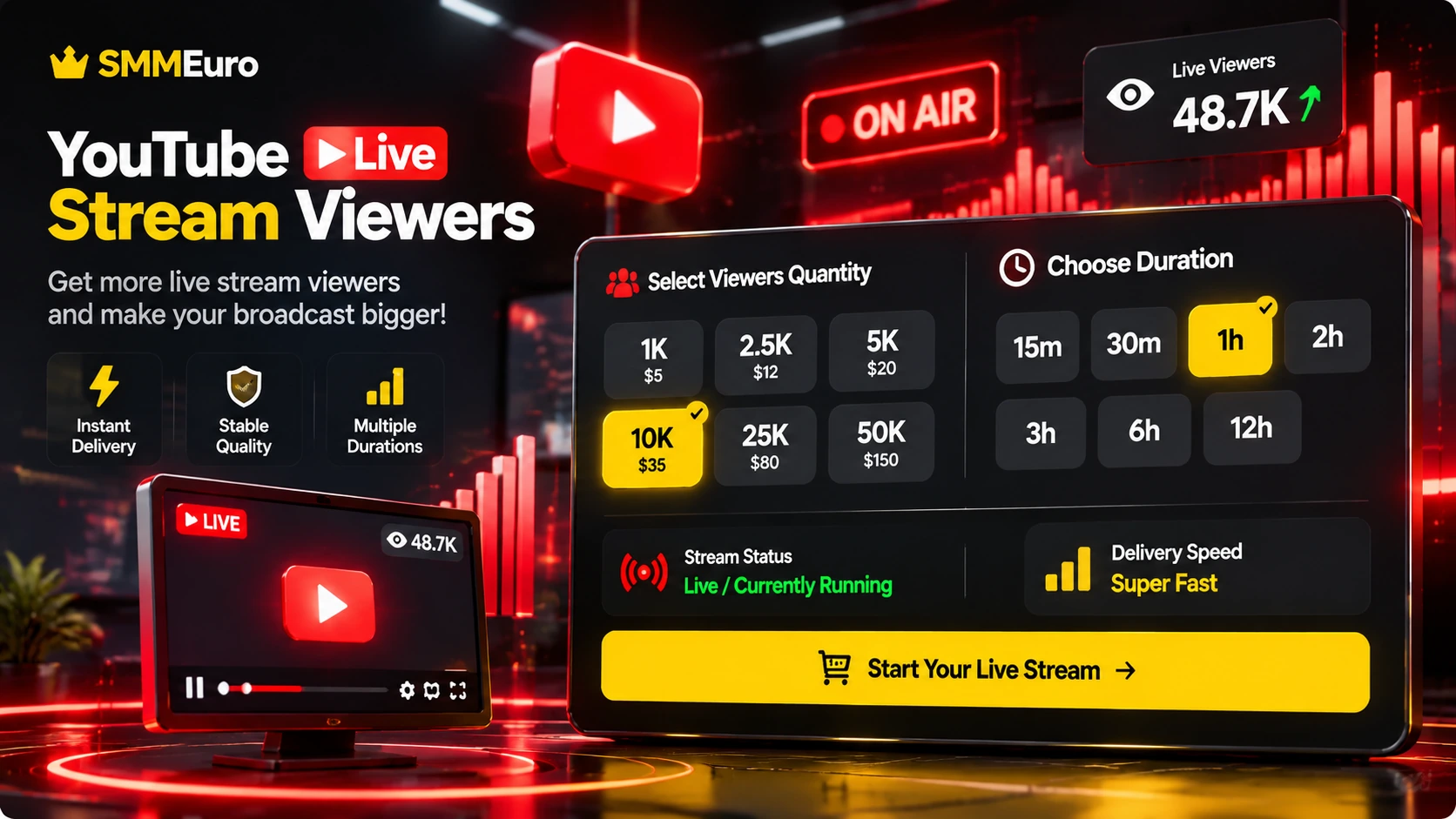
Confirm the live URL, viewer quantity, duration and stream status before ordering. Use the package that matches the timing and format of the broadcast.