
SMMEuro Live Promotion Hub
Live Stream Viewers for Twitch, Kick, YouTube, TikTok & More
Compare live stream viewer services by platform, concurrent viewer quantity, stream link, start timing and duration before ordering.
✓ Twitch / Kick✓ YouTube / TikTok✓ Facebook / Instagram✓ SMMEuro Dashboard
● LIVE
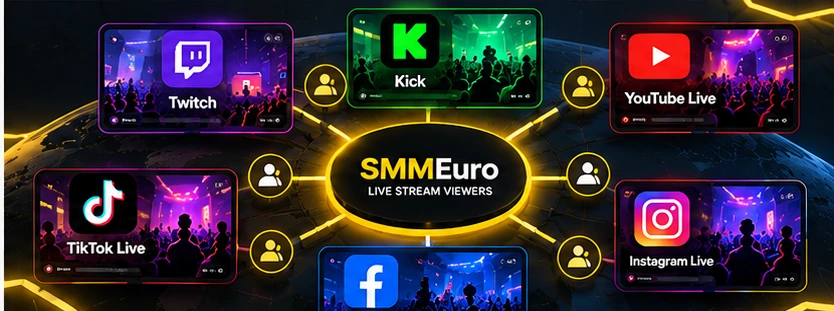
Choose Your Live Streaming Platform
Start with the platform you stream on, then open its dedicated service page for details and packages.
02
Build the Campaign Around the Live Session
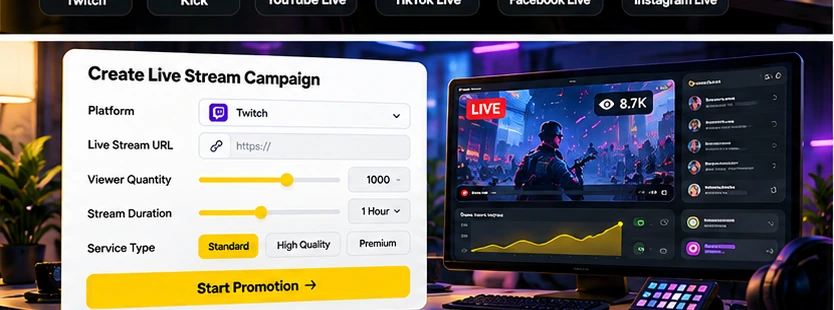
Live promotion is different from normal video views. Match the platform, live URL, concurrent viewer quantity and duration.
01Platform
02Live URL
03Viewers
04Duration
When to Order Live Stream Viewers
Check the service instructions, prepare the live link, order at the required stage and monitor the campaign while the stream is live.
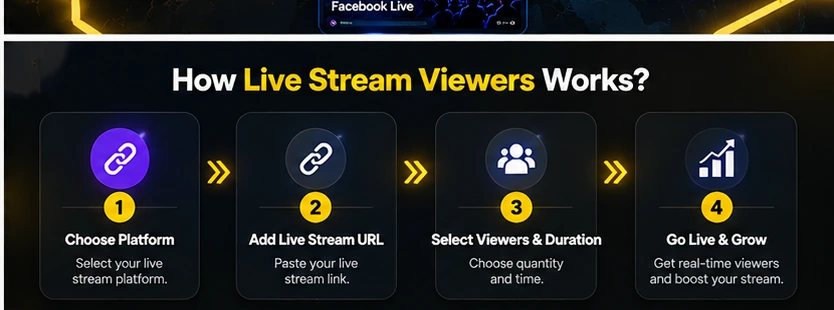
1LIVE
2URL
3Viewers
4Duration
5Track
04
Compare Live Services Before You Choose
Minimums, maximums, start behavior, duration and service conditions can differ by platform and package.
PlatformMin / MaxDurationStart TimeService Details
Explore Live Services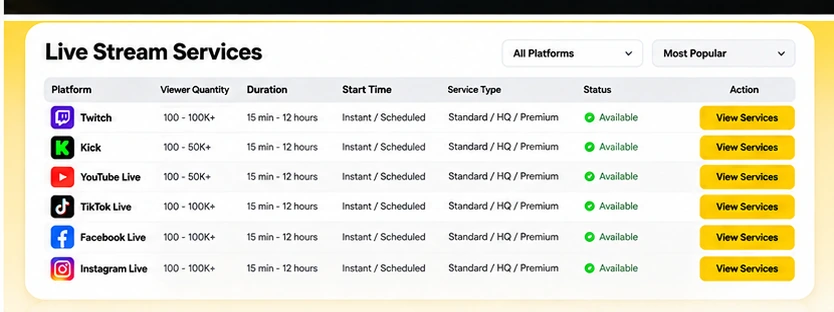
Made for Different Live Campaigns
Gaming, creator events, webinars, launches and agency workflows can require different viewer quantities and durations.
Creators
Business
Agencies
Before You Place a Live Viewer Order
Confirm the platform, stream URL, min/max, duration, timing and any refill/drop terms shown for the exact service.
✓ Platform
✓ Live URL
✓ Min / Max
✓ Duration
✓ Start Time
✓ Refill / Drop Terms
Live Stream Viewers — Common Questions
Which live platform should I choose?+
Start with the platform you stream on, then open its dedicated service page for details and packages.
What live stream link should I use?+
Live promotion is different from normal video views. Match the platform, live URL, concurrent viewer quantity and duration.
When should I place the order?+
Check the service instructions, prepare the live link, order at the required stage and monitor the campaign while the stream is live.
How do duration and viewer quantity work?+
Minimums, maximums, start behavior, duration and service conditions can differ by platform and package.
Live Stream Platforms
SMMEURO LIVE
Choose the Live Viewer Service That Matches Your Stream
Open the platform page, compare quantity, duration, timing and conditions, then order only when your stream setup matches the package.