Page / Profile
Followers and Page-oriented services.

Explore Facebook services for Pages, profiles, posts, Reels, videos, groups and LIVE broadcasts in one structured hub. Compare followers, Page Likes, post likes, reactions, comments, shares, video views, group members and live viewers, then continue to the dedicated service page that matches the object and metric you actually want to support.
A Page follower, a Page Like, a post reaction, a Reel view, a group member and a LIVE viewer are not interchangeable. Start by identifying the Facebook object first, then choose the metric you want to support.
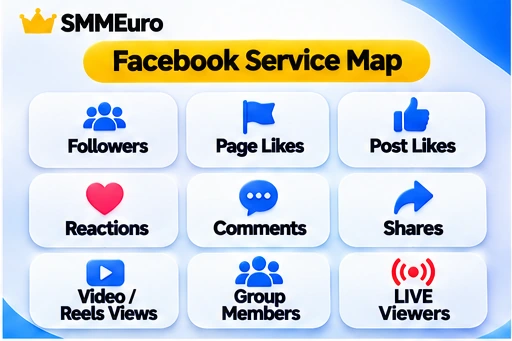
Page or profile follower services for supported public targets.
↗02Services focused on the Page Like metric where currently available.
↗03Likes applied to supported public Facebook posts.
↗04Like, Love, Care, Haha, Wow, Sad and Angry reaction services.
↗05General, custom or other comment formats where available.
↗06Share services for supported posts, photos, videos or Reels.
↗07View services for supported Facebook videos and Reels.
↗08Membership services for supported public Facebook groups.
↗09Concurrent viewer services for supported Facebook LIVE broadcasts.
↗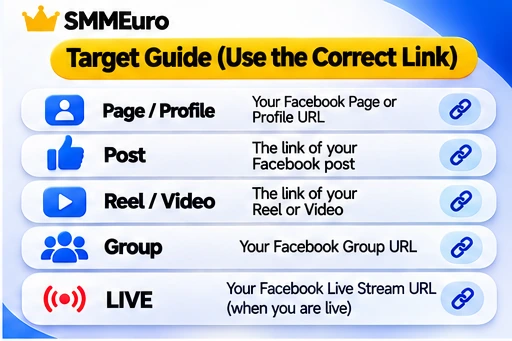
Facebook services can require very different targets. Followers and Page Likes normally use a Page or profile link. Post engagement uses a specific post URL. Video and Reels use the content URL. Group services use the group URL, while LIVE services require the target format listed by the active package.
Followers and Page-oriented services.
Post Likes, reactions, comments and shares.
Video views, Reel views and related content metrics.
Group members and group-specific services.
LIVE viewer or live-engagement services during an active broadcast.
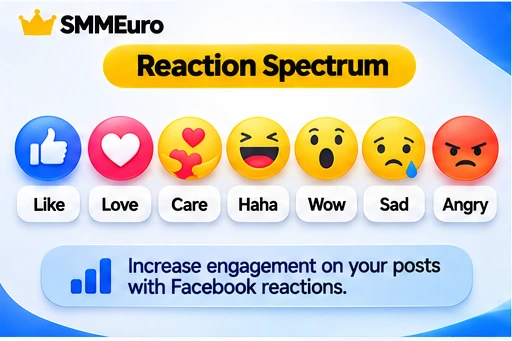
Facebook reactions include Like, Love, Care, Haha, Wow, Sad and Angry. Many current service catalogs list them separately or as mixed-reaction packages, so reaction type can be part of the service decision rather than a cosmetic detail.
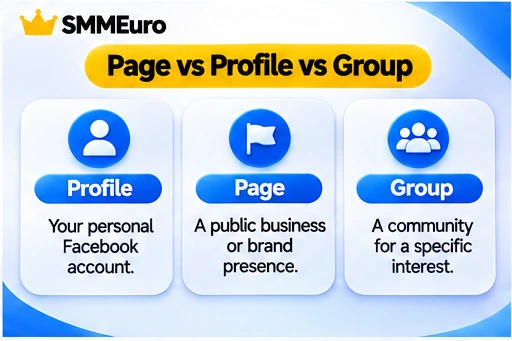
A personal or creator profile, a business Page and a community Group serve different purposes and can use different service categories. Using the wrong target type is one of the easiest ways to create an avoidable order problem.
A personal or creator account target where supported.
A public business, brand or organization presence.
A Facebook community with its own member and post structure.
Published video views, Reel views and concurrent LIVE viewers solve different measurement goals. LIVE services are tied to the broadcast window, while published video and Reel services continue to target fixed content after posting.
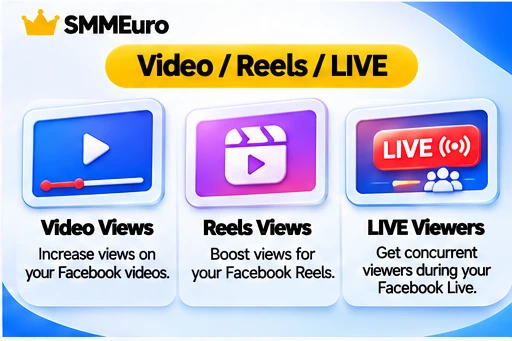
Views for supported Facebook video posts.
Views for supported Facebook Reels.
Concurrent viewers during a supported Facebook LIVE stream.
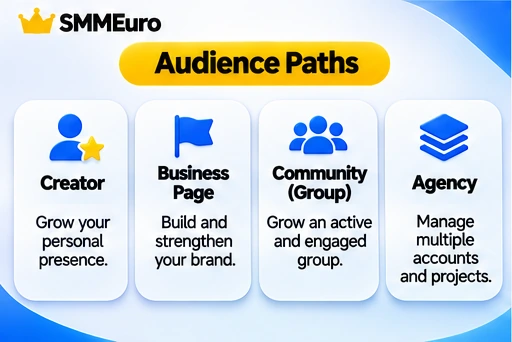
Facebook supports several operating models. Creators may work around profiles and content, businesses around Pages and campaigns, communities around Groups, and agencies around repeatable service selection and order management.
Profile growth and content engagement workflows.
Page followers, Page Likes and branded content support.
Group members and community-oriented services.
Repeatable target checks, package selection and order tracking across clients.
A practical workflow is: identify the object, select the matching service, paste the correct target, choose a supported quantity, review start time and refill conditions, then track the order before repeating the same target.
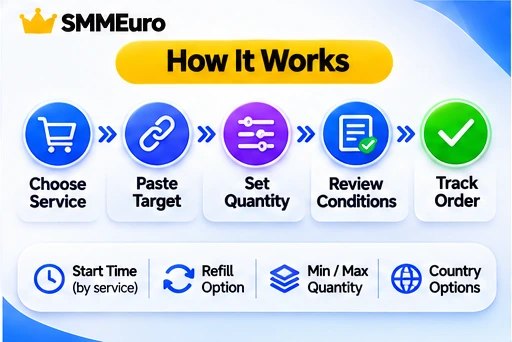
Page, profile, post, Reel/video, group or LIVE.
Followers, likes, reactions, comments, shares, views, members or live viewers.
Use the exact link type required by the service.
Stay inside the current minimum and maximum.
Check start time, speed, refill/drop and restrictions.
Monitor status before repeating the same target.
Meta says it is taking stronger action against spam networks and coordinated fake engagement, including scripted follows and inauthentic reactions or comments. Third-party services should not be presented as guarantees of Feed reach, recommendations, monetization, sales or authentic audience quality.
Start with the Facebook object you want to support—Page, profile, post, Reel/video, group or LIVE—then choose the metric attached to it.
No. They are separate metrics and current SMM catalogs commonly list them as separate service categories.
No. Page/profile, post, video/Reel, group and LIVE services can require different target formats.
Current service catalogs commonly separate Like, Love, Care, Haha, Wow, Sad and Angry, as well as some mixed-reaction packages.
Not always. Many catalogs separate standard video views, Reels views and retention-based view services.
No. LIVE viewers are concurrent viewers during the broadcast window, while ordinary views target published video or Reel content.
No. They should not be presented as guarantees of Feed reach, recommendations, monetization, sales or authentic audience growth.
Identify the Page, profile, post, Reel/video, group or LIVE target first, then choose the matching service and review its current limits, delivery and refill conditions.
Explore Facebook Services